
Best TwitIPTV Apps Compared: Smarters Pro vs TiviMate vs IBO Player (2026 Edition)
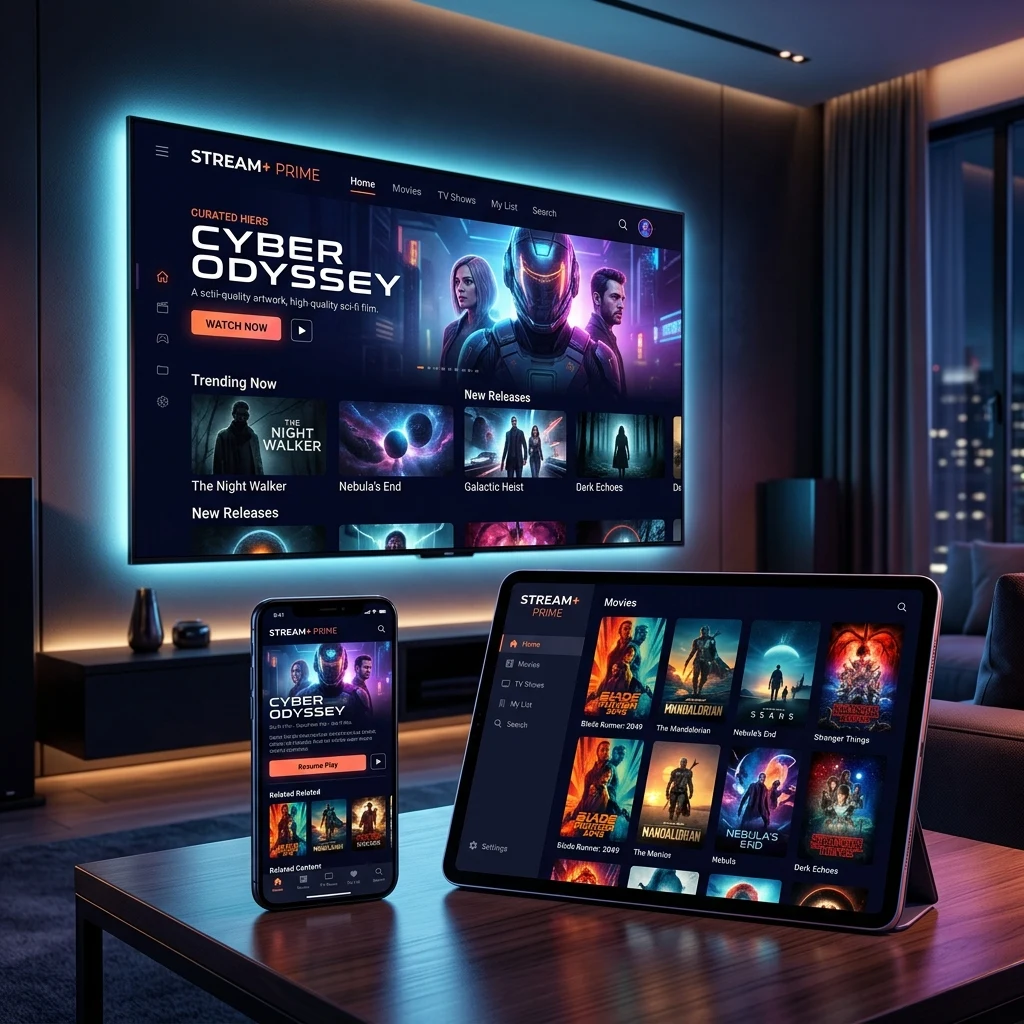
Subscribing to a high-speed service like TwitIPTV is only the first step toward television perfection. To unlock lightning-fast channel switching, a cinema-like Electronic Program Guide (EPG), and seamless multi-channel multiview, you must pair your account with the right IPTV player application.
Because TwitIPTV (twit iptv) provides industry-standard M3U playlists and Xtream Codes API credentials, you have the freedom to choose from dozens of independent streaming apps across Android TV, Amazon Fire TV Sticks, Samsung Tizen, LG WebOS, Apple iOS, and Windows. In this detailed comparative review, our engineering lab puts the three undisputed heavyweights to the test: IPTV Smarters Pro, TiviMate Premium, and IBO Player.
The Big 3 at a Glance: Quick Comparison Matrix
Before we dive into the specific strengths and weaknesses of each player, let us examine their baseline technical capabilities when connected to our TwitIPTV server infrastructure:
| Evaluation Factor | IPTV Smarters Pro | TiviMate IPTV Player | IBO Player |
|---|---|---|---|
| Primary Platforms | Android, Firestick, iOS, Windows, Mac, Samsung, LG | Android TV, Firestick, Nvidia Shield, Google TV | Samsung TV (Tizen), LG (WebOS), Android, Firestick |
| Zapping Speed (Avg) | ~0.8 seconds | ~0.3 seconds (Blazing fast) | ~0.6 seconds |
| EPG TV Guide Grid | Good categorized list | Outstanding traditional cable-style grid | Clean modern interface |
| Multi-View (Split Screen) | Up to 4 screens | Up to 9 screens simultaneously | Single screen focus |
| Catch-Up & Recording | Supported | Extensive custom recording schedules | Catch-up supported |
| Pricing Structure | Free tier (Premium upgrade available) | Freemium ($9.99/yr or $34.99 lifetime) | 7-day free trial ($8 lifetime activation) |
| Best Suited For | All-rounders & mobile/computer users | Power sports fans & Firestick power users | Direct Smart TV owners without external boxes |
1. TiviMate IPTV Player: The King of Android TV & Firestick
If your primary streaming device is an Amazon Fire TV Stick 4K, Nvidia Shield Pro, Chromecast with Google TV, or an Android TV set, TiviMate is widely considered the undisputed gold standard of IPTV players.
Designed from the ground up strictly for remote-control navigation on large television screens, TiviMate completely mimics the polished, fluid user interface of high-end satellite receivers like DirecTV or Sky UK.
Key Advantages of TiviMate on TwitIPTV:
- Sub-Second Channel Switching: While lesser players take 2 to 3 seconds to buffer an incoming video stream, TiviMate connects to TwitIPTV anti-freeze servers in approximately 300 milliseconds. Channel flipping feels instant.
- The Best EPG Grid in the Industry: TiviMate automatically parses full 7-day program timelines, allowing you to scroll hours ahead or backward seamlessly. It even indicates when TV replay catch-up is available with clock icons.
- Multiview Sports Dashboard: Ever wanted to watch four football matches or Formula 1 camera angles at the exact same moment on your screen? TiviMate supports dynamic split-screen multiview with up to 9 simultaneous panels (when using our multi-screen subscription plans).
- Scheduled Cloud Recording: You can set automated recordings to save live championship matches directly to local USB storage or your home Network-Attached Storage (NAS).
Limitations:
TiviMate is exclusively developed for Android-based operating systems. It is not available on Apple iOS or Samsung/LG native television app stores.
2. IPTV Smarters Pro: The Universal Champion
If versatility, cross-platform synchronization, and ease of use are your highest priorities, IPTV Smarters Pro is the undisputed champion. Unlike TiviMate, which is restricted to Android, IPTV Smarters Pro has native applications compiled for virtually every major operating system: Android, iOS (iPhone/iPad), Apple TV, macOS, Windows PC, and smart televisions.
Why Users Love IPTV Smarters with TwitIPTV:
- Universal Availability: You can install Smarters on your Firestick in the living room, your iPhone on the subway, and your laptop while traveling on business, using the same twit iptv account credentials.
- Master Search Functionality: With over 150,000 live channels and 120,000 VOD movies provided by TwitIPTV, finding a specific film or team can be overwhelming. IPTV Smarters features an intelligent global search bar that indexes titles instantly across live streams and movies alike.
- Comprehensive VOD Player: Smarters includes advanced video player features for movies, including automatic resume playback, chapter markers, multi-audio selection, and embedded OpenSubtitles downloading.
- Parental Controls: Built-in PIN locking makes it simple for parents to restrict access to adult channels or mature movies for their children.
3. IBO Player: The Ultimate Solution for Samsung & LG Smart TVs
One of the most frequent questions submitted to our WhatsApp support team is: "Can I use TwitIPTV on my new LG OLED or Samsung Neo QLED without purchasing a Firestick?" The answer is a resounding yes, and IBO Player is the premier application for the job.
Installing third-party software on proprietary TV operating systems like LG WebOS and Samsung Tizen used to be a frustrating chore. IBO Player revolutionized this process by offering official downloads directly inside the Samsung Smart Hub and LG Content Store.
How IBO Player Excels:
- Zero Sideloading Required: Simply download IBO Player like Netflix from your television's official app store. No developer options or USB thumb drives necessary.
- Web Portal Synchronization: Once opened, IBO Player provides a MAC address and device key. You simply visit their web portal on your phone or laptop, paste your TwitIPTV M3U link, and press save. Your entire channel line-up populates your TV in seconds!
- Hardware Video Decoding: IBO Player is heavily optimized to leverage the native hardware video decoding chips inside modern TV chipsets, resulting in smooth 4K 60fps playback without heating or lagging the TV's processor.
Comparative Verdict: Which App Should You Choose?
Choosing the ideal companion application for your TwitIPTV subscription depends entirely on your hardware ecosystem:
- If you own an Amazon Firestick or Android Box: Download TiviMate. It provides the absolute closest experience to luxury cable television with unbeatable channel changing speeds and multi-screen sports tracking. Follow our Firestick setup guide to get started.
- If you watch across multiple different platforms (iPhone, PC, TV): Choose IPTV Smarters Pro for familiar, reliable performance on every screen.
- If you have a Samsung or LG Smart TV without a stick: Install IBO Player for the easiest 2-minute native setup.
Pair Your Favorite App with TwitIPTV Today
No matter which player application you choose, the quality of your viewing experience ultimately depends on the server delivering your streams. With TwitIPTV, you gain access to 150,000+ live HD/4K channels, 99.99% uptime anti-freeze servers, and dedicated 24/7 VIP assistance.
Visit our packages and prices page right now to lock in our promotional 50% discount and start enjoying premium television today!
Related Articles You Might Like
What is TwitIPTV: Complete Beginner's Guide
Learn how internet television works and why it outperforms traditional cable.
How to Watch Live Sports in 60 FPS with TwitIPTV
Optimize your apps for stutter-free football, F1, and UFC events.