
Best TwitIPTV Setup for Live Sports: How to Watch F1, Football & UFC in 60 FPS
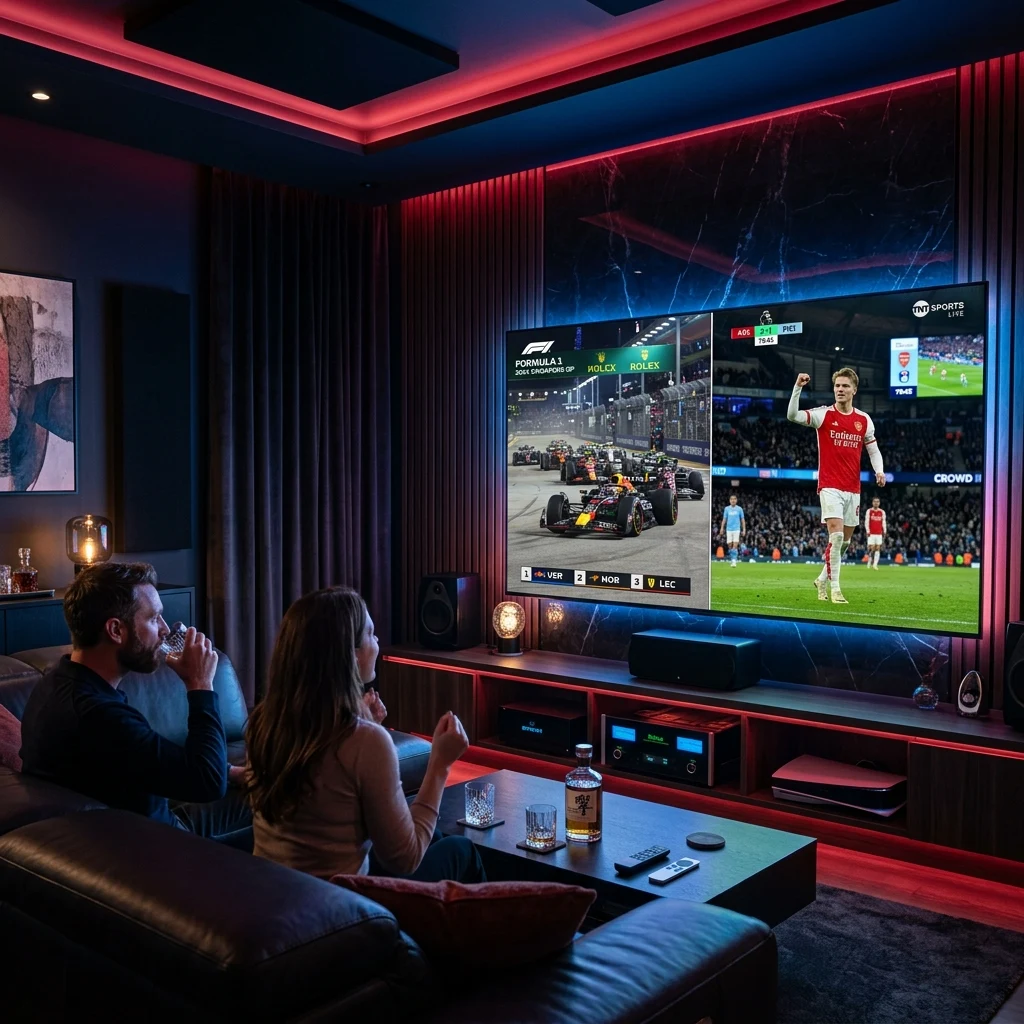
For diehard sports enthusiasts, streaming live events is an emotional high-wire act. There is nothing more infuriating than watching your favorite football striker break away on a counter-attack or watching two Formula 1 cars go wheel-to-wheel into Monza's Prima Variante, only for your screen to freeze in a pixelated spinning buffer wheel.
Live sports demand vastly more bandwidth, higher frame rates, and significantly lower latency than regular recorded television or movie playback. While low-quality IPTV providers crumble under the pressure of peak weekend game traffic, TwitIPTV was engineered specifically to conquer high-bitrate live broadcasting. In this technical sports guide, we reveal how twit iptv delivers buttery-smooth 50 and 60 frames per second (FPS) sports streams, and how you can optimize your home hardware for the ultimate stadium experience.
1. The Critical Difference: 25/30 FPS vs. 50/60 FPS
Most generic television broadcasts and low-cost IPTV services stream video at 25 frames per second (in Europe/UK) or 30 frames per second (in the US). While 25 or 30 FPS is perfectly acceptable for slow-moving studio news or conversational dramas, it is disastrous for fast-paced live sporting events.
When a soccer ball is crossed across the pitch at 70 mph or an F1 vehicle corners at 180 mph, a 30 FPS stream drops over half the visual motion data. The result is severe motion blur, ghosting artifacts, and jittery camera pans that cause eye strain.
TwitIPTV broadcasts all premier sports feeds in native 50 FPS (PAL) and 60 FPS (NTSC) at Full HD (1080p) and 4K Ultra HD. Every single pass, spin of the wheel, and boxing counter-punch is rendered with cinematic, razor-sharp fluid motion that makes you feel as though you are standing on the sidelines.
| Streaming Specification | Standard Low-Cost IPTV | TwitIPTV Sports Server Tier |
|---|---|---|
| Frame Rate (FPS) | 25 or 30 FPS (Choppy) | 50 or 60 FPS (Silky Smooth) |
| Stream Bitrate | 3 - 5 Mbps (Heavy compression) | 12 - 25 Mbps (High Bitrate 4K) |
| Server Redundancy | Single shared VPS | Dedicated 10 Gbps Anti-Freeze Load Balancers |
| Pay-Per-View Coverage | Frequent crashes at main event | 100% Dedicated PPV backup feeds |
| Broadcast Delay | 60 - 120 seconds behind | Ultra-Low Latency (~10-15s real-time) |
2. Major Sports Covered with TwitIPTV
When you activate your subscription via our packages and prices page, you unlock unlimited access to the world's most coveted sports networks without blackout restrictions or regional paywalls:
- European & International Football: Complete live coverage of the English Premier League, UEFA Champions League, Europa League, Spanish La Liga, Italian Serie A, German Bundesliga, Dutch Eredivisie, and French Ligue 1.
- Motorsport & Formula 1: Access dedicated Sky Sports F1, F1 TV Pro, Canal+ Formula 1, and Viaplay feeds featuring multi-angle on-board cameras, team radio channels, and pre-race technical paddock shows in Full HD and 4K at 50/60 fps.
- Combat Sports (UFC & Boxing): Never pay $80 for a pay-per-view card again. All UFC numbered events (Main Card, Prelims, Early Prelims) and world championship boxing bouts are streamed live in our dedicated PPV category.
- North American Major Leagues: Catch every single down and buzzer-beater with NFL Sunday Ticket, NBA League Pass, MLB Extra Innings, NHL Center Ice, and MLS Season Pass.
3. Technical Optimization: Step-by-Step Settings Guide
To ensure your television setup extracts the absolute maximum visual performance from our twit iptv streams, configure these four critical player settings:
Step 1: Enable Auto Frame Rate (AFR) Matching
Most modern 4K televisions refresh at 60 Hz or 120 Hz. If you attempt to display a 50 FPS European football match on a screen locked at 60 Hz, you will experience "micro-stutter" known as 3:2 pulldown judder.
Inside player applications like TiviMate, navigate to Settings > Playback > Auto Frame Rate (AFR) and toggle it ON. TiviMate will automatically command your TV to switch its physical refresh rate to match the incoming stream (e.g. 50.00 Hz for Sky Sports or 59.94 Hz for ESPN), eliminating all judder.
Step 2: Set Buffer Size to "Medium" (3 to 5 Seconds)
While it may seem tempting to set your buffer size to "None" in pursuit of instant playback, live internet streams naturally experience tiny millisecond packet jitter. In your player's playback menu, configure the buffer size to Medium or 3 Seconds. This provides an invisible safety cushion that absorbs micro-fluctuations in your home Wi-Fi without pausing the video.
Step 3: Choose Hardware Video Decoding
Always ensure your IPTV app is set to Hardware Decoding (HW) rather than Software Decoding (SW). Hardware decoding offloads video processing to your Firestick or TV's dedicated GPU, keeping the processor cool and preventing frame drops during high-bitrate 4K HDR sports moments.
Step 4: Use a 5 GHz Wi-Fi or Ethernet Connection
The 2.4 GHz Wi-Fi band is prone to interference from household appliances, microwaves, and neighboring routers. For rock-solid 50/60 FPS sports streaming, connect your television or streaming box to your router's 5 GHz Wi-Fi band, or ideally use an inexpensive USB-to-Ethernet adapter for a hardwired cable connection.
4. Multi-Screen Multiview: Watch Multiple Matches at Once
Championship Sundays often feature four or five critical fixtures kicking off simultaneously. Why choose between them when you can watch them all together on the same screen?
By pairing a TwitIPTV multi-screen subscription with an application like TiviMate Premium, you can activate Multiview. Split your 55" or 65" 4K TV into 2, 3, or 4 simultaneous live video panels. You can monitor the Premier League title race, a Formula 1 pit stop battle, and an NBA playoff game side-by-side, switching audio between boxes with a single press of your remote's directional pad!
5. Anti-ISP Throttling: Stream Freely During Peak Games
Many standard internet service providers (ISPs) actively monitor consumer bandwidth during Saturday and Sunday afternoons. When they detect thousands of users simultaneously streaming high-definition video during a major derby match, ISPs frequently initiate artificial "bandwidth throttling" to preserve their own network capacity.
TwitIPTV protects subscribers against artificial ISP throttling. Our edge-routing servers utilize encrypted TLS packet headers and private proxy tunnels, masking your television stream from domestic ISP inspection. If your ISP cannot distinguish your IPTV feed from standard secure HTTPS web traffic, they cannot throttle your bandwidth!
Experience Stadium-Quality Live Sports Today
Never settle for grainy, stuttering free web streams or overpriced $100 cable packages ever again. With TwitIPTV, you get every match, every race, and every championship fight in crystal-clear 50/60 FPS 4K clarity backed by 99.99% server stability.
Visit our subscription plans page right now to lock in our 50% discount and elevate your live sports viewing to the highest echelon!
Related Articles You Might Like
Best TwitIPTV Apps Compared
Discover which player app handles live sports multiview and zapping best.
Complete Device Installation Guide
Setup your Firestick, Smart TV, or Android box in under 3 minutes.